Defining process property extensions for a process
Add or edit process properties extensions in the Extensions dialog.
-
Open the process and click the Extensions icon on the process canvas.
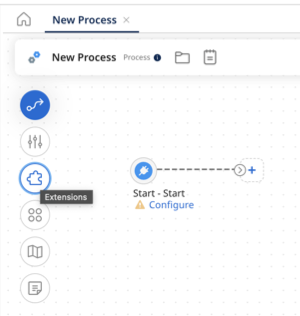
The Extensions dialog opens.
-
On the Process Properties tab, in the drop-down list, select a process property component used in the process that has properties for which you want to define extensions.
-
Select the check box next to each property to extend.
-
Repeat steps 2–3 for each additional process property component that has properties for which you want to define extensions.
-
When you are finished defining extensions, click OK.
-
Click Save.
